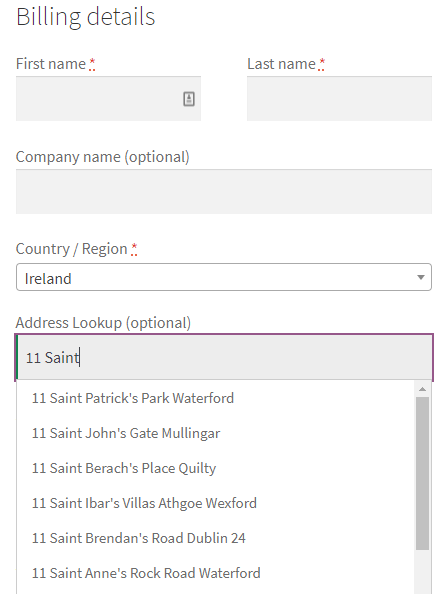
Integrate our API with your WordPress/WooCommerce page:
- Create your WordPress webshop
- Add WooCommerce plugin to your WordPress page
- Acquire our API token
- Retrieve custom code from our Github repository (woocommerce/geoaddresschecker.zip)
- Follow the guide:
In your WordPress dashboard access the plugins section:
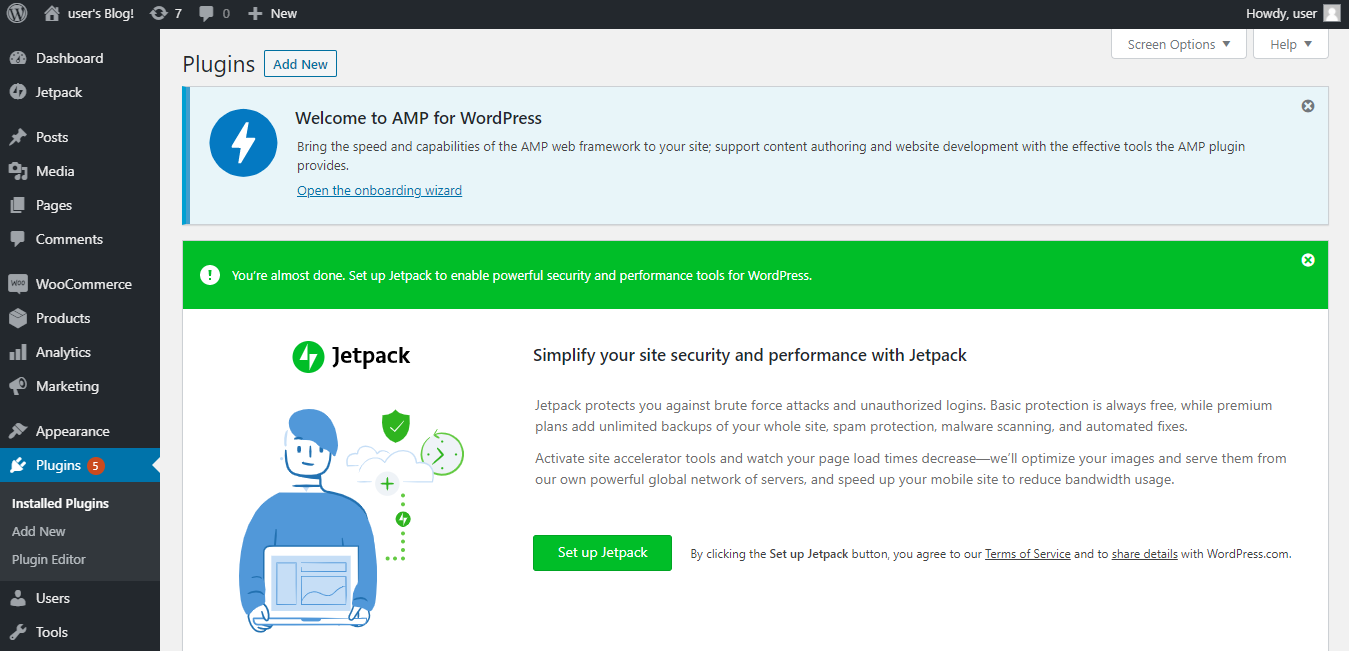
Click on the Add New

And then on Upload Plugin when the button changes
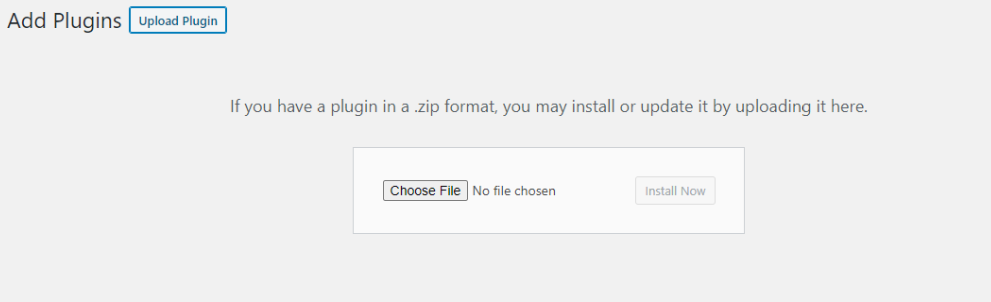
Choose the downloaded geoaddresschecker.zip file and you should soon see our GeoAddress Checker plugin in your updated list of plugins:

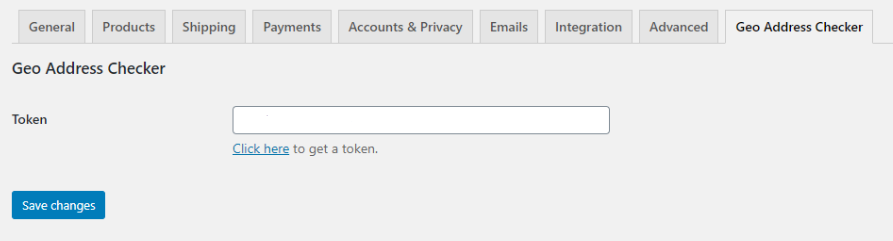
Access the plugin settings and enter your token there
Now it’s time to see the plugin in action. Go to your webshop’s checkout page, where the billing or shipping form is added.
The form should now include an additional Address Lookup field.
If you start typing in the search, the API will deliver the results in the form of a dropdown. If you pick an address from the delivered list of addresses, it will populate the fields in the underlying contact WooCommerce form where it can.