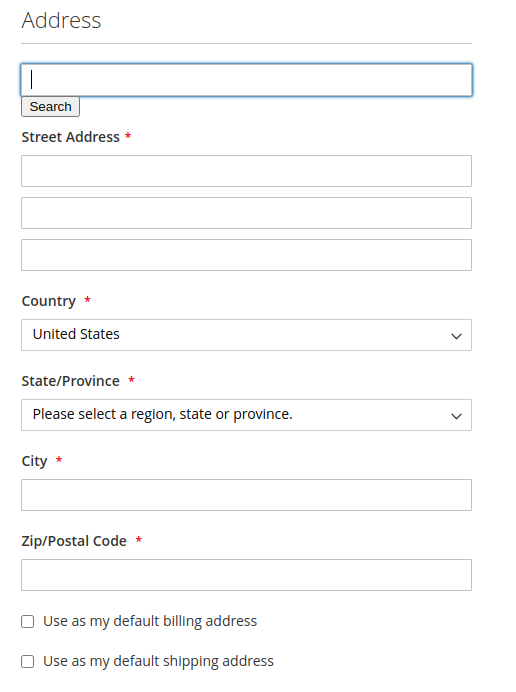
Integrate our API with your Magento project:
- Set up a Magento project
- Acquire our API token
- Retrieve custom code from our Github repository (magento/index.html)
- Update the retrieved index.html with your token in place of YOURTOKEN
- Follow the guide:
In your Magento project folder structure, find the file called edit.phtml
You can edit it and it should be available at the path ending in:
<customer-module>/view/frontend/templates/address
1.Before the line:
<div class=”field street required”>
Insert the div that our code will attach to:
<div id=”geoaddress-checked”></div>
2.At the bottom paste the script tags from our index.html file.
Back on your account page, in the menu on the left, access Address Book.
When searching for an address, the form should now display a list of suggestions and clicking on an address should populate the fields with the available information where it can.